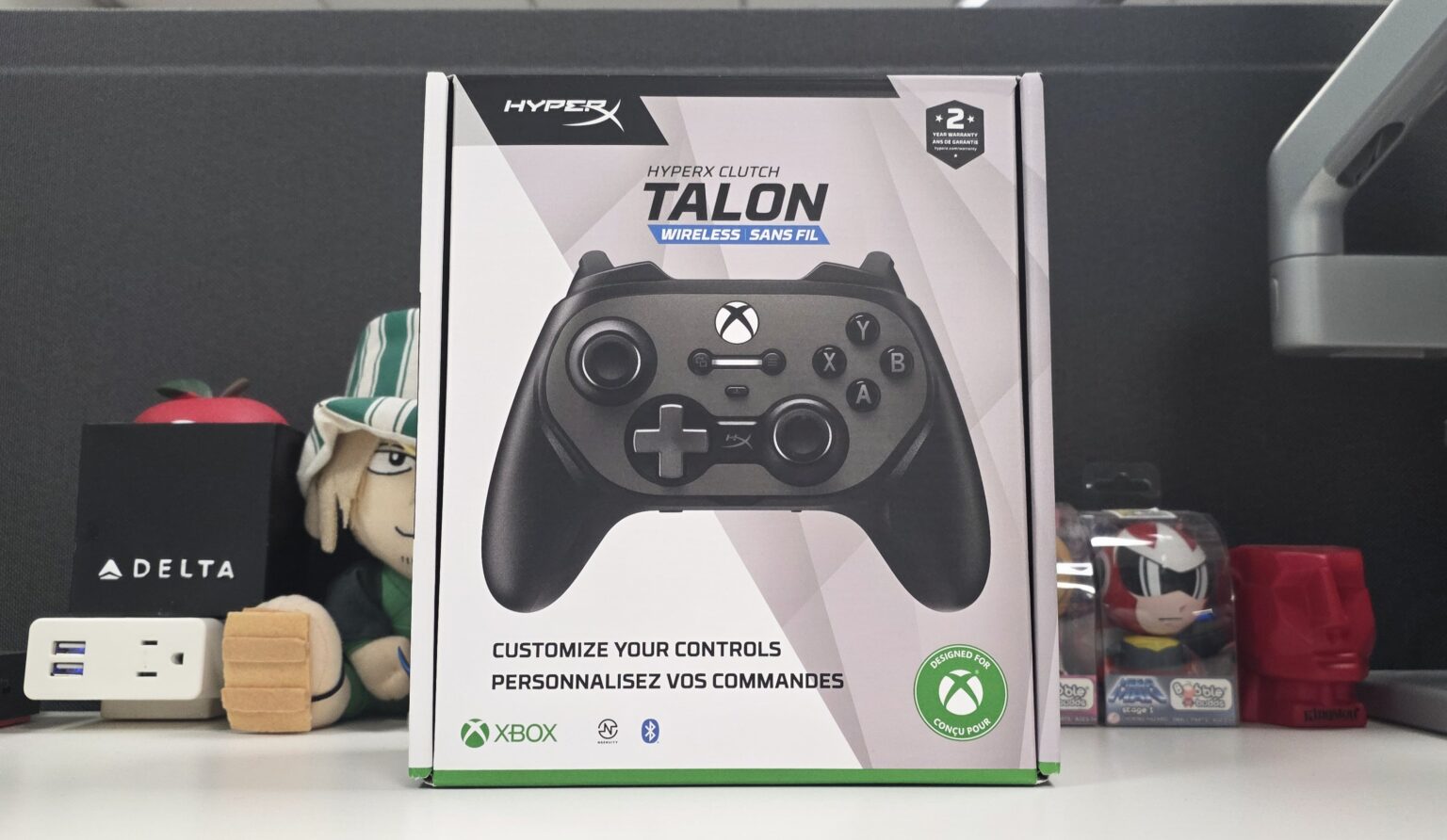
Today, we will look at HyperX’s highest end controller to date, the HyperX Clutch Talon. This controller features hot swappable components, Hall Effect sticks and triggers, and an attachable clip for play with your mobile device. Offering 2.4Ghz wireless, Bluetooth and wired connectivity, this controller sports compatibility with Xbox, PC and Android devices. HyperX then tossed in an onboard remappable interface, customizability via the NGENUITY software, and compatibility with custom 3D-printed components. This controller is looking to turn heads with its robust collection of features alone.
So, let’s dive into the HyperX Clutch Talon controller to see what you get from this $159.99 package.
HyperX Clutch Talon Specs
| Connection Type | 2.4G Hz Wireless; Bluetooth 5.3; Wired; Instant Pair |
| Compatibility | Xbox Series X|S, Xbox One, PC, Android |
| Length | 156 mm |
| Height | 64.7 mm |
| Width | 113.1 mm |
| Weight | 0.61 lb |
| Cable Type | USB Type-C® to USB Type-A cable |
| Cable Length | 9.67 ft |
Specs taken from product page.


The purchase of the HyperX Clutch Talon controller comes with a USB dongle, a USB-C to USB-A cable, a mobile clip, an alternate trigger pair, an alternate stick pair, an alternate paddle pair, a circular D-pad, a carrying case, and a quick start guide.
Build, Features and Comfort

The HyperX Clutch Talon sports a traditional Xbox controller layout, housing all of the buttons and controls that you see on an OEM Xbox controller today. However, not seen in OEM models is the Talon’s Hall Effect triggers and analog sticks. The handles are of smooth plastic, allowing for a comfortable yet still secure hold onto the controller. You have a 2.4GHz wireless mode, connecting you to the included wireless USB dongle, Bluetooth for your mobile devices, and a wired connection offering a 1K polling rate on PC.


On the back you have stopper switches for the triggers, allowing you to toggle them between full-press and hair trigger modes. You also have removable and replaceable rear paddles, which you can map to other controller buttons as needed.


On the top, near the controller’s USB-C port, the controller features an insert for the included mobile device grip. The grip itself sports two adjustable hinges that allow you to adjust your connected mobile device to your preferred viewing angle with ease.

On the bottom of the controller, you have a dual purpose P1 button, a 3.5mm jack for connecting a wired headset, and a switch for toggling through the controller’s three connectivity modes. The P1 button acts as both a wireless pairing button as well as a mapping button. For the mapping function, this button allows you to remap the rear paddles on the fly, without the use of software. This gives you some quick mapping flexibility regardless of the platform that you are using the Talon on.

The HyperX Clutch Talon gives you a solid amount of customization options right out of the box. In total, you have five analog stick options, two D-pad choices, two variants of trigger options and two variants of rear paddle options. I particularly liked the option to swap between short and long triggers, which is a controller customization I have yet to see until now. As I normally do, I immediately went with my short convex left thumb stick and concave right stick setup, allowing the Talon to feel right at home from the start.


However, the physical customizability of the HyperX Clutch Talon does not stop there. The controller’s front and rear plates are both magnetically connected and removable. With HyperX offering the open-source 3D print files for free, gamers and creators alike can 3D-print their very own plates for the Talon. Just like that, the HyperX Clutch Talon becomes practically fully customizable in both looks and feel.


Not to be overlooked is the Talon’s mobile device controller grip which does a solid job at grasping onto your mobile device. The grip can hold onto your larger mobile devices, such as the Samsung Galaxy Ultra series of devices. However, due to the grip’s range and top-down landscape grasp, it does not look like it would be suitable for a mini tablet or a fully-expanded foldable device. It does hold “thicker” devices well, so it should be able to handle any standard-shape phone with protective casing just fine. Here it is handling my “folded” and protected Samsung Galaxy Z Fold 7 without any issue.

The HyperX Clutch Talon sports a solid and comfortable build both inside and out. Its Hall Effect components use contactless sensors to detect movement. This combats issues like stick drift, caused by wear and tear seen in traditional contact sensors. While the offering of various thumb sticks is commonplace with controllers today, the addition of rear paddle and trigger options help bring the Talon even closer to the ideal user “feel”. Controls are generally easy to reach for and handle while bumpers, triggers and face buttons feel satisfying to press. Completing that handling experience are the controller’s handles, allowing your hands to maintain a comfortable and cool grip for hours on end.
Not to be overlooked is the HyperX Clutch Talon’s hard shell carrying case, capable of holding onto all of the Talon’s various components in one neat and sturdy package. The case even sports an opening near the front, giving you access to the controller’s USB-C port. This allows you to recharge the controller even while it sits in its protective shell.

From its build, physical customizability, and included components alone, the HyperX Clutch Talon does a very good job at validating its price point.
More Features and Performance

The behavioral features of the HyperX Clutch Talon can be further customized via the HyperX NGENUITY app for PC. Within the app, you can map the rear paddles, adjust the sensitivity and dead zones of the thumb sticks and triggers, and configure the vibration settings for the controller’s four rumble motors. You can then apply these settings to custom profiles that you can save to the controller’s onboard memory.


The NGENUITY app is simple enough to use, with helpful tooltips to guide you through your settings. When you connect your controller with the app running, the app automatically checks for firmware updates and supplies you with links to the appropriate firmware versions.
Should you need to remap the paddles on the fly while lacking access to a PC, the Talon offers the aforementioned onboard P1 button to get the job done. Simply double press the P1 button, press the button you wish to map, then press the rear paddle you wish to map that button to.
Diving into performance, the HyperX Clutch Talon handled very well in first person shooters. It was a joy to use the Talon in my various Apex Legends runs, whether I was playing Ranked Battle Royale or casual Mixtape matches. Using the Talon on PC, I got to enjoy the responsiveness of 1K polling coupled with the accuracy of the Hall Effect thumb sticks. Whether I was getting knocks from afar with the Sentinel or tracking close-quarter enemies with akimbo P2020’s, movement and aiming felt smooth and precise with the HyperX Clutch Talon.


That satisfying shooter experience continued with Cyberpunk 2077, where I played off of my mobile device using Steam Link. The accuracy of the thumb sticks allowed me to at least get accustomed to the latency from the remote play session. Sure enough, I was able to enjoy one of my favorite solo shooters from a bar with a decent enough internet connection. Whether I had my Samsung Galaxy Z Fold 7 unfolded on the counter or collapsed in the mobile grip, I felt right at home with the HyperX Clutch Talon.


When it came to fighting games, the circular d-pad provided a better command input experience than the “default” plus sign one. Both d-pads allowed me to perform quarter circle forward and dragon punch motions equally fine. However, the circular one allowed me to perform half circle motions with a much higher degree of accuracy. As such, I was able to enjoy successful inputs in some of my favorite 4-button fighters, such as King of Fighters XV and Capcom vs SNK (1).


In the end, the HyperX Clutch Talon more than excelled in the performance department.
Final Thoughts

Ever since Xbox released their Elite controller, 3rd party gaming manufacturers have answered with controllers that either match, if not surpass the OEM variant. That trend continues here with the HyperX Clutch Talon, offering everything that the Elite controller does while providing even more. Hall Effect thumb sticks and triggers tout input accuracy while combating stick drift, improving the overall life span of the controller. You then have a myriad of replaceable components, software and onboard customization, and the option to add personality to the Talon with your own 3D-printed components. To top it off, the controller handles and plays well, allowing it to stand strong against any premium multi-platform controller out now.
If you are in the market for an Xbox, PC, mobile, or simply a multiplatform controller with a robust feature set, you should definitely take a look at the HyperX Clutch Talon. It does a good job at validating its $159.99 price point. You can check out the HyperX Clutch Talon for yourself by clicking here.

† We were provided with a HyperX Clutch Talon controller for review purposes and were not compensated for this review.