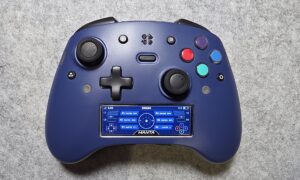
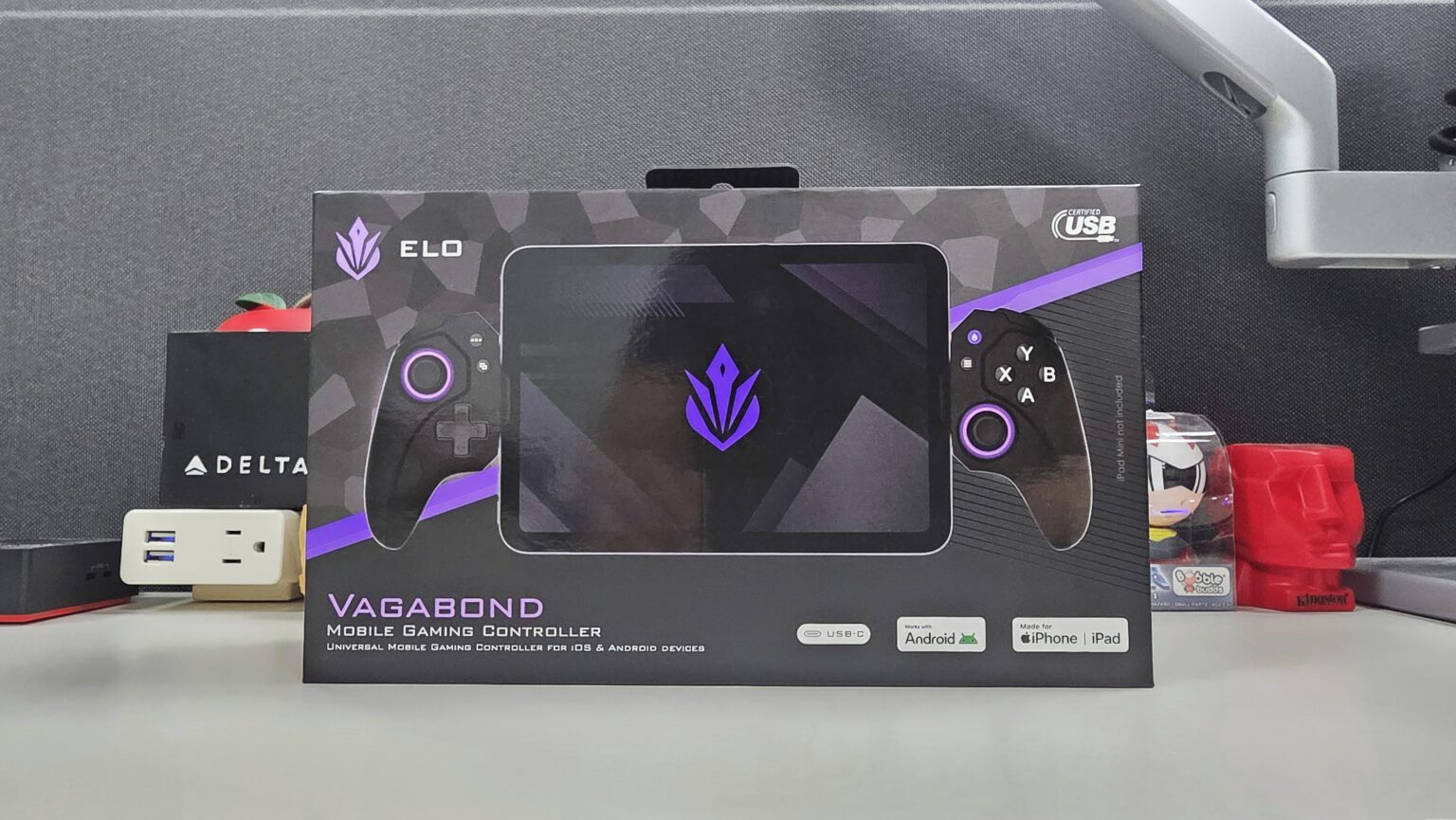
Today we will look at the Vagabond, a mobile gaming controller by ELO. Compatible with the iPhone, Android devices and even the iPad mini, this controller looks to bring you elite controller gaming features to your mobile gameplay. Full controller-sized grips, mechanical buttons and hall effect joysticks and triggers power you through your gaming sessions. Not to mention its USB-C connectivity offers not only universal compatibility but also low-latency inputs on the go.
So, what does the ELO Vagabond bring to the table for $99.99? Let’s dive in to find out.
ELO Vagabond Tech Specs
| Full Length (Closed) | 208mm |
| Full Length (Open) | 350mm |
| Height | 116mm |
| Width | 51mm |
| Inner Length (Closed) | 86mm |
| Inner Length | 208mm |
| Weight | 198g |
Specs taken from product page.


A purchase of the ELO Vagabond comes with a manual, a size adapter guide, and eight size adapters.

The Vagabond is a mobile controller with full-sized controller grips, giving you a traditional Xbox shape and feel. It also sports the traditional Xbox XYAB button layout, complete with diagonally arranged thumb sticks, a plus-shaped D-pad, and pairs of bumpers and triggers on the top. You also have your standard complementary buttons such as Start, View (Menu), a Screenshot/Share button and an ELO button for opening the ELO Unleashed companion app.


On the back of the controller, you have a pair of programmable “paddle” buttons. Each of these buttons is accompanied by a stopper switch, locking these buttons in place should you not want to use them. Meanwhile, on the bottom, you have a USB-C port for passthrough charging of your connected device and a 3.5mm jack for connecting a wired headset.
The Vagabond connects to your mobile device using the USB-C connector in the center. As such, the controller does not have a battery as it is powered by the very device it is connected to. Through this connection, the controller sports a latency-free connection with your device. As such, this allows you to focus solely on your gameplay without having to compensate for the kind of input lag that Bluetooth connectivity would otherwise introduce.


The included connection adapters and adapter guide make finding the right fit for your mobile device quick and easy. Simply use the guide to see which adapter best fits your device, whether it has a case on it or not. Then slot in the suggested adapters and you are off to the races. Thanks to this, the Vagabond was able to easily and securely connect with my Samsung Galaxy Z Fold 7, in both its folded and unfolded forms.
You can access even more features of the Vagabond via the free ELO Unleashed app. In the app, you can browse through a library of games that have confirmed compatibility with the Vagabond. You can also calibrate the controller, remap buttons, set the brightness of the thumb stick LED’s, and update the controller’s firmware.


Within the app, you also have the ELO Virtual Touch feature which lets you map a game’s touch controls to sticks or buttons on the controller. This opens the Vagabond to mobile games where controller compatibility is not yet available. Only available on Android devices, this feature is easy and straight-forward to use. When active, you use the overlay to place the controller’s buttons over the touch controls in your game. You can drag and resize buttons as needed. Once you save your mappings, the button overlay disappears leaving you to play your once touch-only game with your controller.

The Vagabond is a comfortable controller to handle from the moment you get your hands on it. The close-to-home console controller grips sport the same size and shape that you would expect from your everyday Xbox controller. The texturized rubber grips are comfortable to handle and allow for a secure slip-free hold. The thumb sticks feel easy to control and the mechanical face buttons feel satisfying to press thanks to their clicky feedback. The triggers feel smooth to pull and the rear paddle buttons are easy to reach for.

As not all games call for back paddles, the locks for these buttons are quite the welcomed addition here. When locked, the back paddles stay secure in place while remaining unable to be pressed. This not only combats unintentional presses, but it also takes away any distraction that these buttons might introduce. The back of the controller then feels like one complete back plate and not just one with dead pressable buttons.
As far as build and feel goes, the Vagabond mobile controller does not disappoint.
In terms of performance, the Vagabond handles just as well as a pro-gaming console controller would. For a mobile controller, this is the kind of performance that you should hope for. First up, with Destiny 2 being at end of life, I thought I should dive back into Warframe for some shooter gameplay. With Warframe being supported on mobile, it made it a solid choice for trying out the Vagabond with my Samsung Galaxy Z Fold 7.

Here the Vagabond handled comfortably well throughout Warframe’s fast-paced gameplay. The natural console controller feel of the Vagabond allowed me to emulate the same controller gameplay feel I experience when using a controller on my PC. Aiming with the analog sticks felt smooth and responsive, allowing me to snap between hordes of enemies with ease.

Taking advantage of that latency-free USB-C connection, I then dove into some remote play gaming. Booting up the Steam Link app on my phone, I connected to my PC at home and started playing Cyberpunk 2077 from a bar. Here is where I appreciated the Vagabond’s USB-C connection as it helped me mitigate the natural latency that occurs during remote play. As such, the Vagabond did a great job at promoting that higher level console feel on the go.

The D-pad on the Vagabond handled quite nicely as well. Throwing the Vagabond at a couple of fighting games, I was able to pull off quarter circle, half circle, and dragon punch inputs with solid accuracy. Whether it was King of Fighters 2002 for Android or SNK vs Capcom 2 via Steam Link, the Vagabond got the job done in the fighting game department.
Final Thoughts

For an approachable $99, the ELO Vagabond mobile controller gives you a close-to-home console gaming feel on your mobile device. You have a controller that is both easy to handle and satisfying to use. The controller not only gives you lag-free USB-C inputs but also hall effect sticks and triggers, combatting stick drift and adding to its overall lifespan. It sports high compatibility with both Android and iPhone devices while even sporting usability with games that only support touch input. Its latency-free input, competitive level components, and practically universal compatibility make it an easy buy for any mobile gamer.
Whether you are a casual or competitive mobile gamer, the $99 ELO Vagabond mobile controller is definitely worth checking out. If you want to look into it even further for yourself, you can do so by clicking here.
ELO also offers various optional accessories for the Vagabond, like the Vagabond Case for $29.99, on their website.

†We were provided with an ELO Vagabond gaming mobile controller for review purposes and were not compensated for this review.